
Description
Perfect For
- 📷 Photographers
- 🎨 Artists
- 🛒 WooCommerce Stores
- 🏢 Business Websites
- 🏡 Property & Estate Agents
- 🎓 Schools & Colleges
- 📁 Portfolios
- 📰 Blogs & Magazines
Live Gallery Demonstrations
The examples below use the actual plugin running on this website.
Rather than static screenshots, these galleries allow you to see the different layouts and features before downloading.
Flowers Masonry Gallery
A responsive masonry gallery displaying images from the Flowers board.
Ideal for photography, portfolios and image collections where photographs have different dimensions.
Demo in additional tab
Flowers Slider Gallery
The same image board displayed as a responsive slider.
Perfect for featured images, portfolios and homepage banners.
Demo in additional tab
Complete Image Collection
This demonstration displays the full image library using a masonry layout.
It shows how the plugin performs when displaying a larger number of images organised across multiple collections.
Demo in additional tab
Main Features
The plugin includes a wide range of gallery features designed for both personal and commercial websites.
Multiple Gallery Layouts
- Responsive masonry layouts
- Image sliders
- Organised image boards
- Random image displays
- Reusable image collections
Built-in Lightbox
Every gallery includes an integrated lightbox featuring:
- Full-screen viewing
- Zoom controls
- Gesture zoom
- Magnifying glass hint
- Keyboard navigation
- Multiple arrow positions
- Sweep mode
No additional lightbox plugin is required.
Gallery Organisation
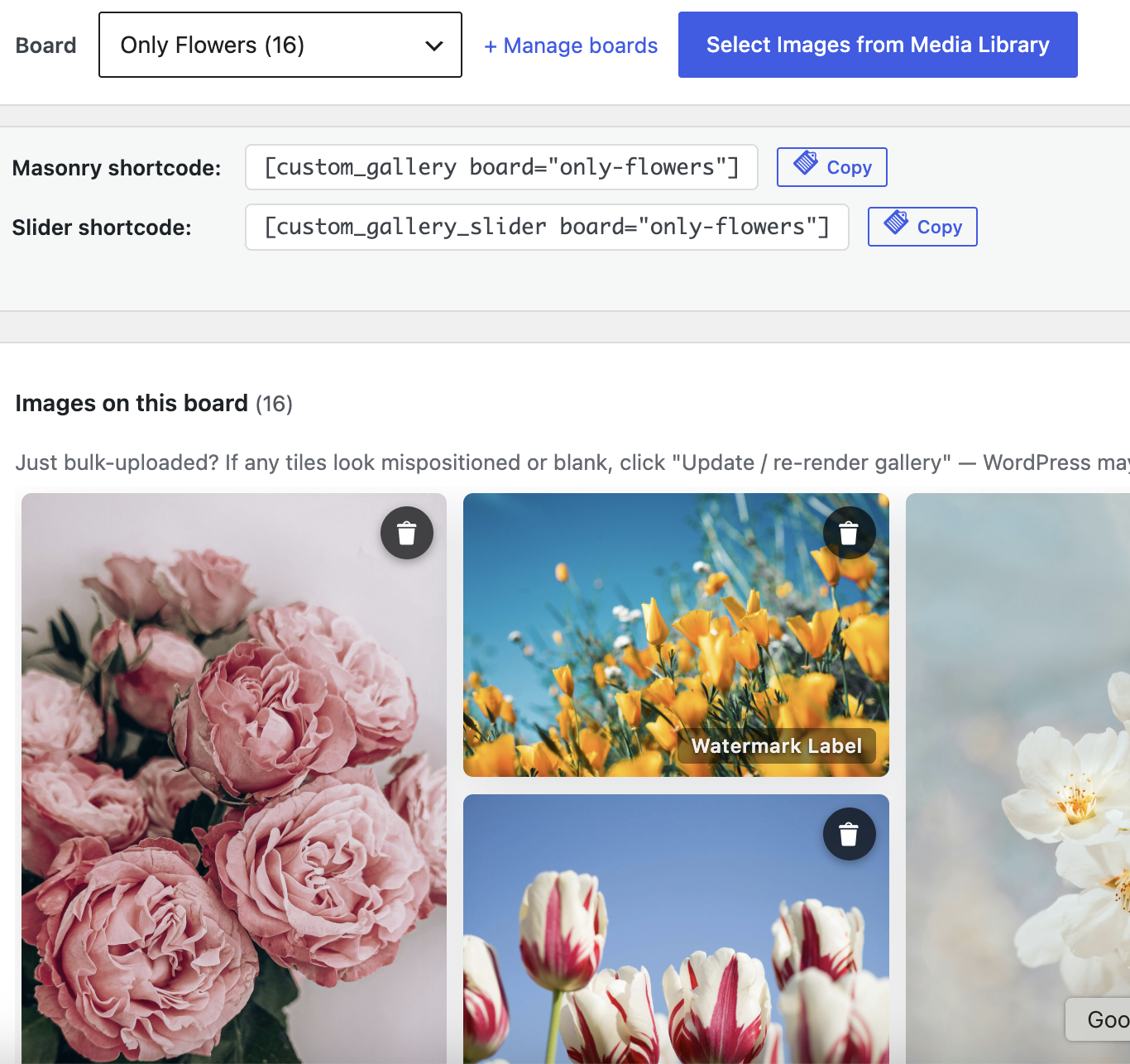
Images can be grouped into reusable boards allowing galleries to be organised by subject, project or category.
The same image collection can be displayed in multiple layouts without creating duplicate galleries.
Shortcode Support
Insert galleries into:
- Pages
- Posts
- Landing pages
- Custom templates
Because the plugin uses standard WordPress shortcodes it works independently of most themes and page builders.
Performance
Large galleries remain efficient thanks to optional lazy loading.
Benefits include:
- Faster page loading
- Reduced bandwidth usage
- Images loaded only when needed
Image Protection
Optional Strict Mode helps discourage casual image copying.
Features include:
- Disable right-click
- Disable dragging
- Prevent image selection
- Protect lightbox images
Although no website can completely prevent copying, these options provide a useful deterrent.
WooCommerce Shop Mode
Shop Mode integrates your gallery system with WooCommerce product images.
When enabled:
- Strict Mode protections are automatically activated
- A “Gallery Image” column is added in the WooCommerce product list
- A “Gallery Image” panel is added inside the Product Data section
- Select a gallery image and assign it as the product’s featured image
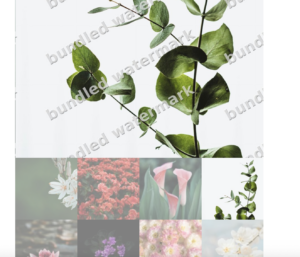
- Product images can optionally display a watermark
Front-end Shop behaviour
- The selected image is used as the WooCommerce product image
- The image links to the product page
- Standard WooCommerce “Add to Cart” is used for purchases
- Optional watermark is applied per product image

Technical Information
- WordPress shortcode based
- Responsive layouts
- WooCommerce compatible
- Optional lazy loading
- Built-in lightbox
- Image board support
- Filter support
- Shop Mode included
Current Status
The plugin continues to evolve as part of my Web Workbench project. New features and improvements are added as practical requirements emerge during real-world development and testing.
Support & Feedback
Feedback is always welcome.
If you have suggestions, feature requests or ideas for future improvements, I’d be pleased to hear from you. Many of the current features were added to solve real-world requirements, and future versions will continue to be developed in the same way.






















































Reviews
There are no reviews yet.