Exploring a Virtualmin VPS with FirewallD and Fail2Ban
Today I wanted to delve into Fail2Ban, especially the default configuration that comes with Virtualmin.
Fail2Ban is an additional layer of security that works alongside your firewall. In this case, I am using FirewallD, although Fail2Ban can also work with other Linux firewall solutions such as UFW.
We all know that a firewall is great at blocking ports that should not be open. If a service is not needed, the best security approach is simply not exposing it to the internet.
But what about the ports that do need to be open?
A web server needs HTTP and HTTPS. A mail server needs SMTP. Administration tools such as SSH and Webmin also require access. These services have to remain reachable, which means attackers can also reach them.
This is where Fail2Ban comes in.
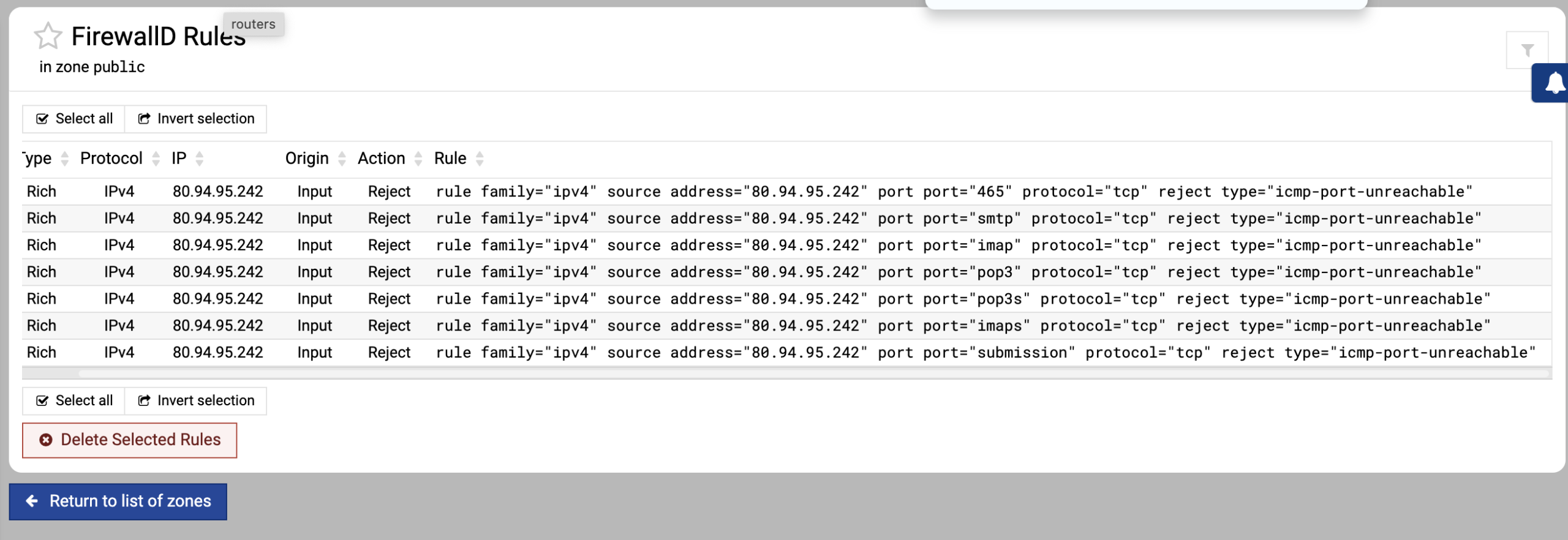
Fail2Ban monitors logs looking for suspicious behaviour, such as repeated failed login attempts, authentication failures, or other patterns that indicate abuse. When a matching pattern is detected, Fail2Ban can automatically instruct the firewall to block the offending IP address.
You control how sensitive this protection is by configuring:
How many failed attempts trigger a ban
The time window those attempts must occur within
How long the IP address should be blocked
Which action the firewall should take
The result is a security layer that does not just block unused ports, but actively responds to bad behaviour on the services that you need to keep open.